Think about what you would need in the first week after a long power failure. Proof of who you are. Insurance policy numbers. Your doctor’s name and a list of medications. The phone numbers of people you can’t remember because your phone always remembered them. Property records, a map of your water lines, the combination to the safe. Almost all of it sits on devices that need electricity and, often, an internet connection to be useful.
Preserving that information is quiet, unglamorous prepping, and it’s cheap compared with most gear. The approach is the same throughout: keep the important things in more than one form, in more than one place, protected from theft and from damage, and readable without anything fancy.
Decide what is worth keeping #
You can’t save everything, and you shouldn’t try. Start by sorting your data into tiers.
Tier one is irreplaceable or legally necessary. Birth certificates, passports, marriage and divorce records, deeds and titles, wills, insurance policies, tax records, medical and vaccination records, identification documents, and a list of emergency contacts. These are the documents that prove your identity and your ownership, and in a disaster you may need to produce them to a stranger who has no way of looking you up.
Tier two is practical reference material. Maps, manuals, plant and medical guides, radio frequency lists, equipment serial numbers, inventory lists, and the instructions for any system you built yourself.
Tier three is sentimental. Photographs, video, letters, family history. These matter a great deal, though you can live without them in the short term. Many people regret losing them more than anything else.
Spend your effort in that order. Tier one gets every protection below. Tier three gets backups, but doesn’t need printing.
Back up in several forms and places #
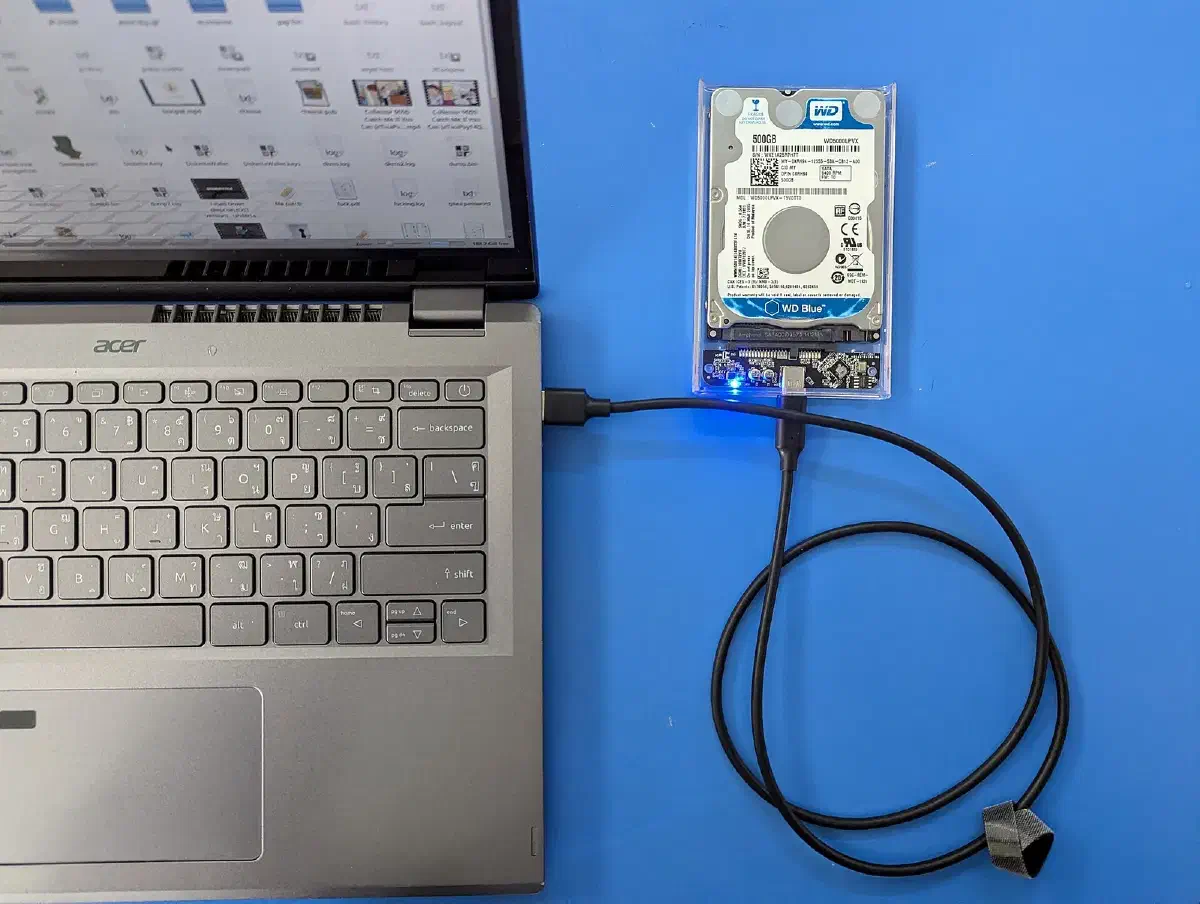
A single copy is one accident away from being gone. Use more than one medium and more than one location. External hard drives and USB flash drives give you a physical copy you can reach quickly. Encrypted USB drives are a good choice for the most sensitive files. Cloud storage gives you an off-site copy that survives a house fire, though it depends on internet access and on the provider surviving. Optical discs such as CDs and DVDs are cheap and unaffected by power surges, although the cheapest ones degrade, so don’t rely on them alone for decades.
A reliable rule of thumb is three copies, on two different kinds of media, with one stored somewhere else. Off-site might be a safe deposit box, a trusted relative’s home, or a weatherproof container buried or tucked away on another part of your property.
Automate what you can. Scheduled backups mean you don’t depend on remembering. But check them. Every few months, restore a handful of files from each copy and confirm they open. A backup you’ve never tested is a hope.
Make a physical copy of the vital stuff #
Digital storage fails when the power or the hardware does, so print the things you can’t afford to lose. Paper needs no electricity, no charger, no software that might have changed its format. Print your tier-one documents and the key reference pages, such as contacts, medical information, and instructions for essential systems, and keep them in a binder or waterproof bag.
Store physical backups where they’re protected. A fireproof safe is the standard answer for the house; a safe deposit box or a second location covers the case where the house itself is gone. Keep hard copies away from direct sun and moisture, and put silica gel packets in the container.
For large volumes, microfilm and microfiche are worth knowing about. They’ve been used by libraries and archives for decades, because the medium is compact, cheap per page and readable with nothing more than light and magnification. You can convert digital files to film through a service and store thousands of pages in a very small space. It isn’t practical for most households, but for a group or a community that wants an archive of manuals and records, it’s a proven technology that doesn’t depend on a power grid.
Encrypt what could be stolen #
When physical copies are scattered around, the risk shifts from loss to theft. Encryption makes sure that a drive in the wrong hands is just a lump of plastic. Use strong encryption on every storage device that holds sensitive files, and encrypt data both at rest and when you transmit it. Keep the decryption keys and passphrases separate from the devices, and make sure at least one trusted person knows how to get at them if you can’t. A password manager is handy day to day, but write down the master passphrase and keep it in the safe, because a manager you can’t unlock is no use to anyone.
Don’t forget the basics of everyday security either. Use two-factor authentication on cloud accounts, keep software patched, avoid public Wi-Fi for sensitive transfers, and use a VPN when you can’t. An antivirus program and some caution with phishing emails protect against the more mundane threat of malware wiping the files before any collapse occurs.
Keep the hardware alive #
Data is only useful if something can read it. That means thinking about power and protection for the devices.
Solar charging is the practical answer. A small folding solar panel and a power bank can keep a laptop, tablet or phone running, and a larger panel with a portable power station can run a laptop for working sessions. Pick low-power devices; a tablet or e-reader sips energy compared with a desktop.
A Faraday cage is a shielded enclosure that blocks electromagnetic fields. The idea is to protect a few spare electronics from a major electromagnetic event, such as a severe solar storm or an electromagnetic pulse. A metal garbage can with a tight lid, lined with cardboard or other insulation so the devices don’t touch the metal, is a common DIY approach. A proper test matters: put a radio inside, close the lid, and see whether it still receives a signal. Store a spare laptop, a small solar charger, a radio and a drive of your essential files inside, and you have a recovery kit that should work whatever happened to everything else.
Keep spares, too. Hardware that reads your media, such as a cheap USB card reader or an optical drive, is easy to take for granted until it’s the one thing missing.
A data vault and a plan to communicate #
A data vault is a deliberate store for the information you’d need in an emergency: a physical drive or encrypted USB, plus paper copies, kept somewhere you can reach quickly. Medical records, identification, emergency contacts, insurance policies and key reference material go in it. Keep it in a grab-and-go form so it can come with you if you have to leave.
Information is of little use if you can’t reach the people who need it, so pair the vault with a communication plan for your family. Decide how you’ll stay in touch, where you’ll meet if you’re separated, and what channels you’ll use when phone and internet are down. Ham radio is the standard backup, because it works on designated frequency bands and needs no phone line or internet access. Getting licensed and buying a basic setup lets you talk over long distances and reach emergency services. If radio isn’t your thing, two-way handheld radios, written messages left at an agreed point, or hand-delivered notes all work in a pinch. Include your contact list on paper, because it won’t help you if it only lives in a dead phone.
assess and recover #
If the worst does happen and systems go down, resist the urge to start poking at everything. First, assess the damage. Work out which data has been lost or compromised and which devices still work, and prioritize the critical information. Recovery tools or a professional can sometimes get data off a failed drive, so don’t reformat or overwrite a drive you hope to save.
Then update your security. After any incident, change passwords, turn on two-factor authentication wherever it’s missing, and review who has access to what. If you’ve been relying on a temporary setup, such as a borrowed computer or an improvised power source, tighten it up once things are stable.
Write your own data recovery plan before you need it. It should cover where the backups are, how to restore them, which order to restore them in, what equipment you need, and who has the keys. A one-page checklist in the binder is enough.
A weekend project #
You can set up the core of this over a weekend:
- Sort your files into the three tiers and decide what goes in the vault.
- Print the tier-one documents and put them in a fireproof, waterproof container.
- Copy everything important to two encrypted drives; store one off-site.
- Add a cloud backup for tier-three material.
- Assemble a small kit with a solar charger, a spare device and a radio, in a shielded container.
- Write the family communication plan and the recovery checklist.
- Set a calendar reminder every three months to test the backups and refresh the copies.
That last step is the one most people skip, and it’s the one that makes the rest work.
This piece is part of our wider coverage of security and communications. Related reading: Cybersecurity for preppers: protecting your data, devices and privacy.